Who is AI Mockup Studio for?
It is for app developers and designers who need polished store screenshots, ads, and mockups without building every asset from scratch.
What can I create for my app with App Studio?
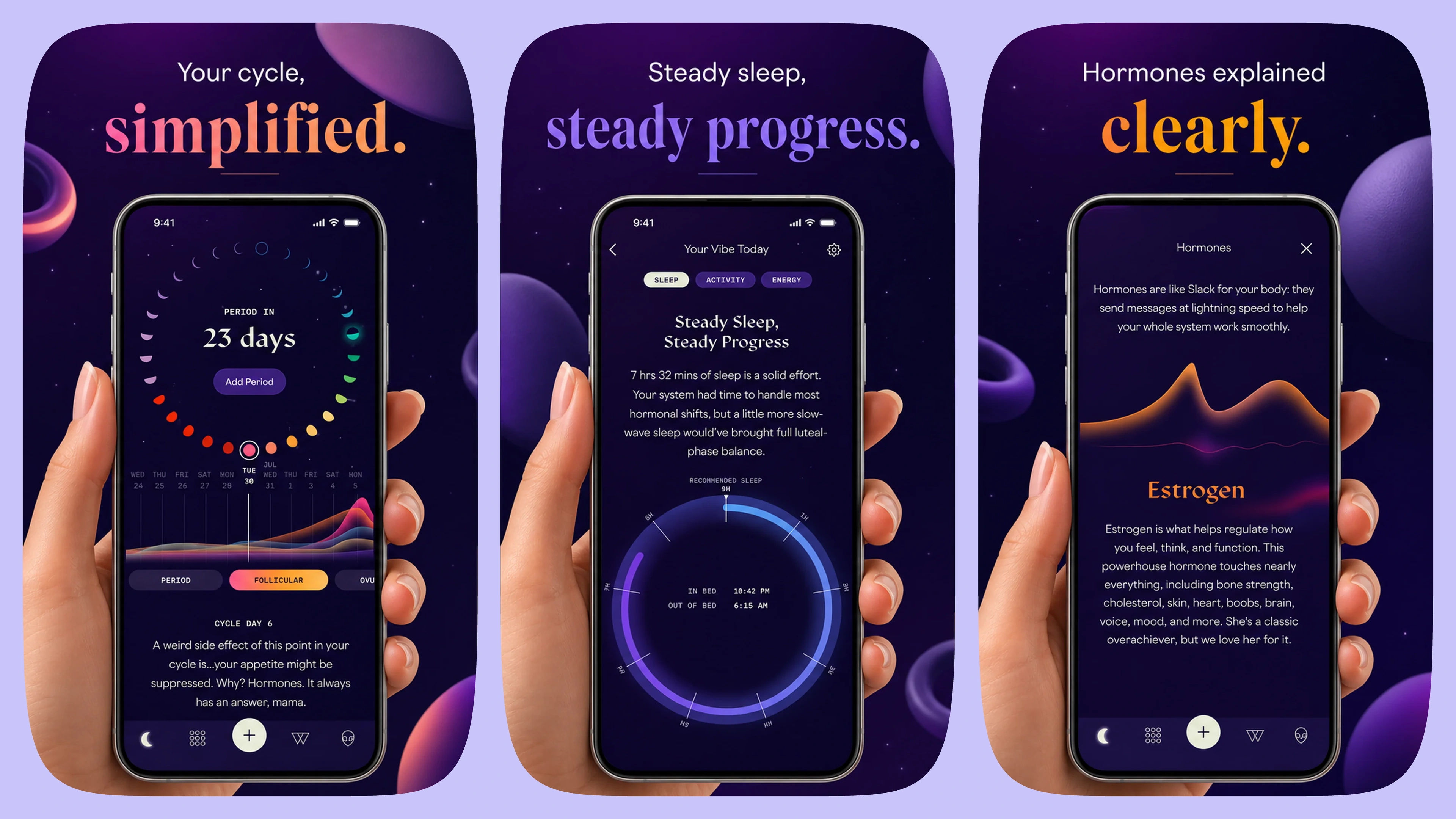
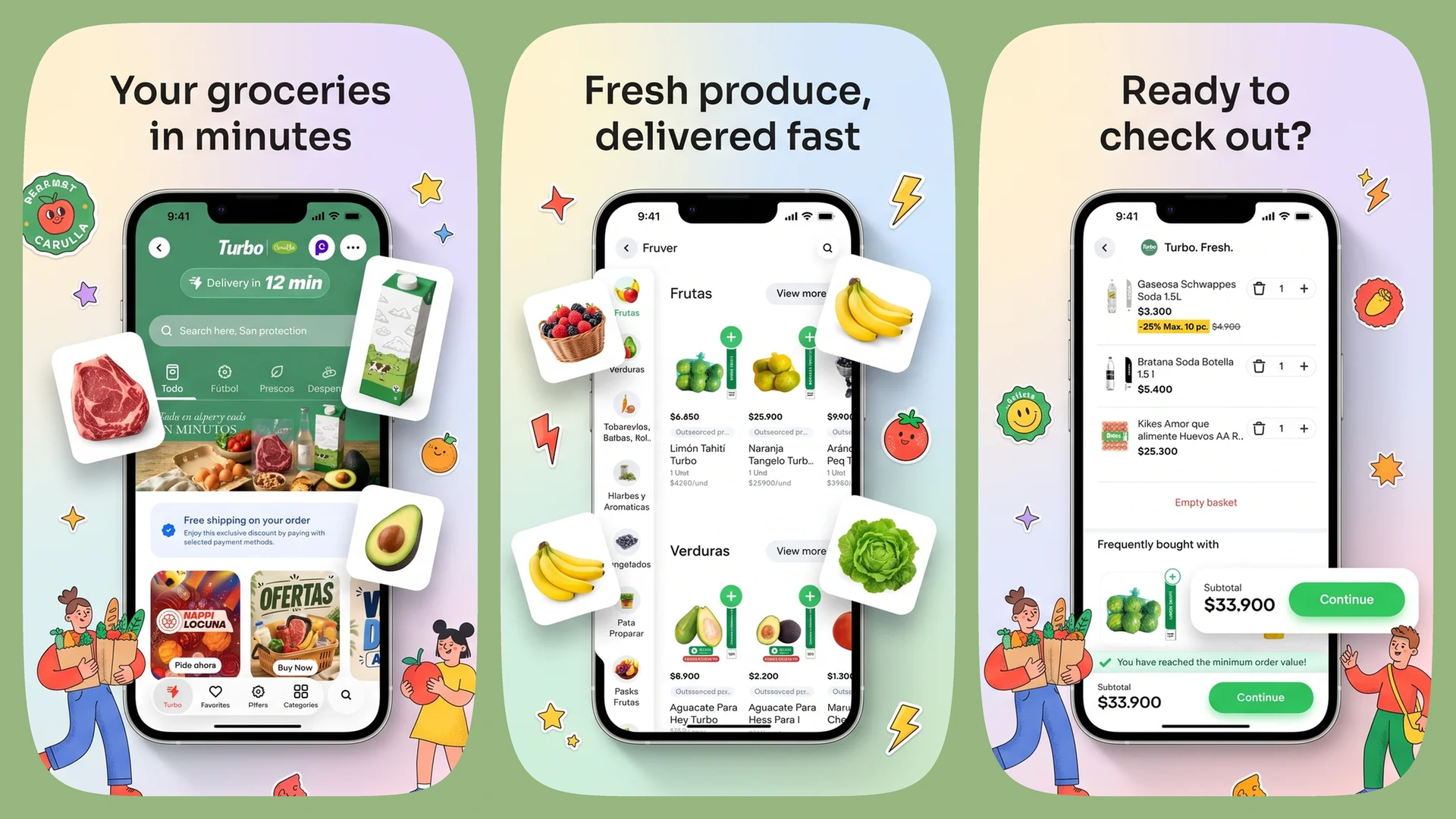
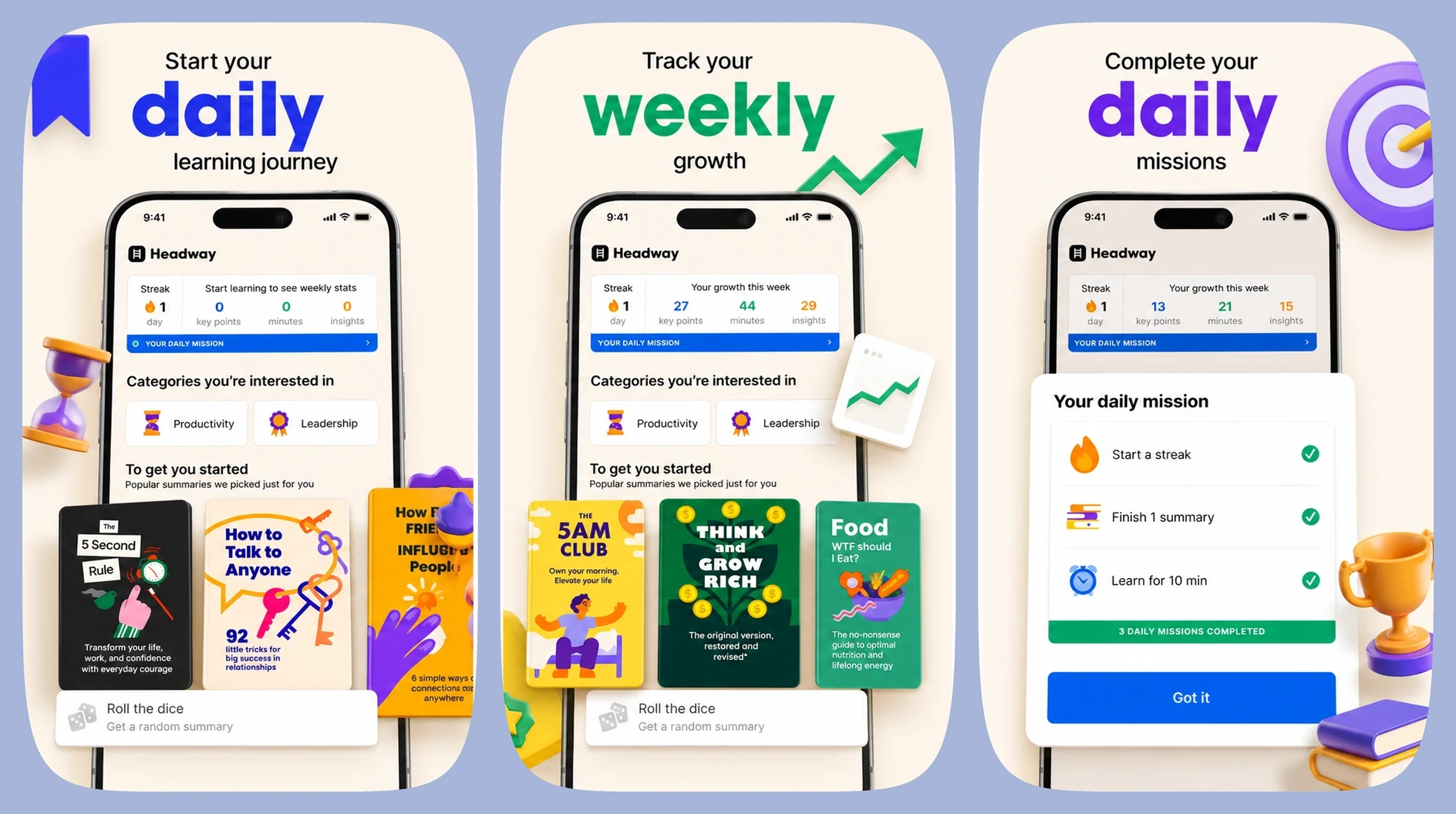
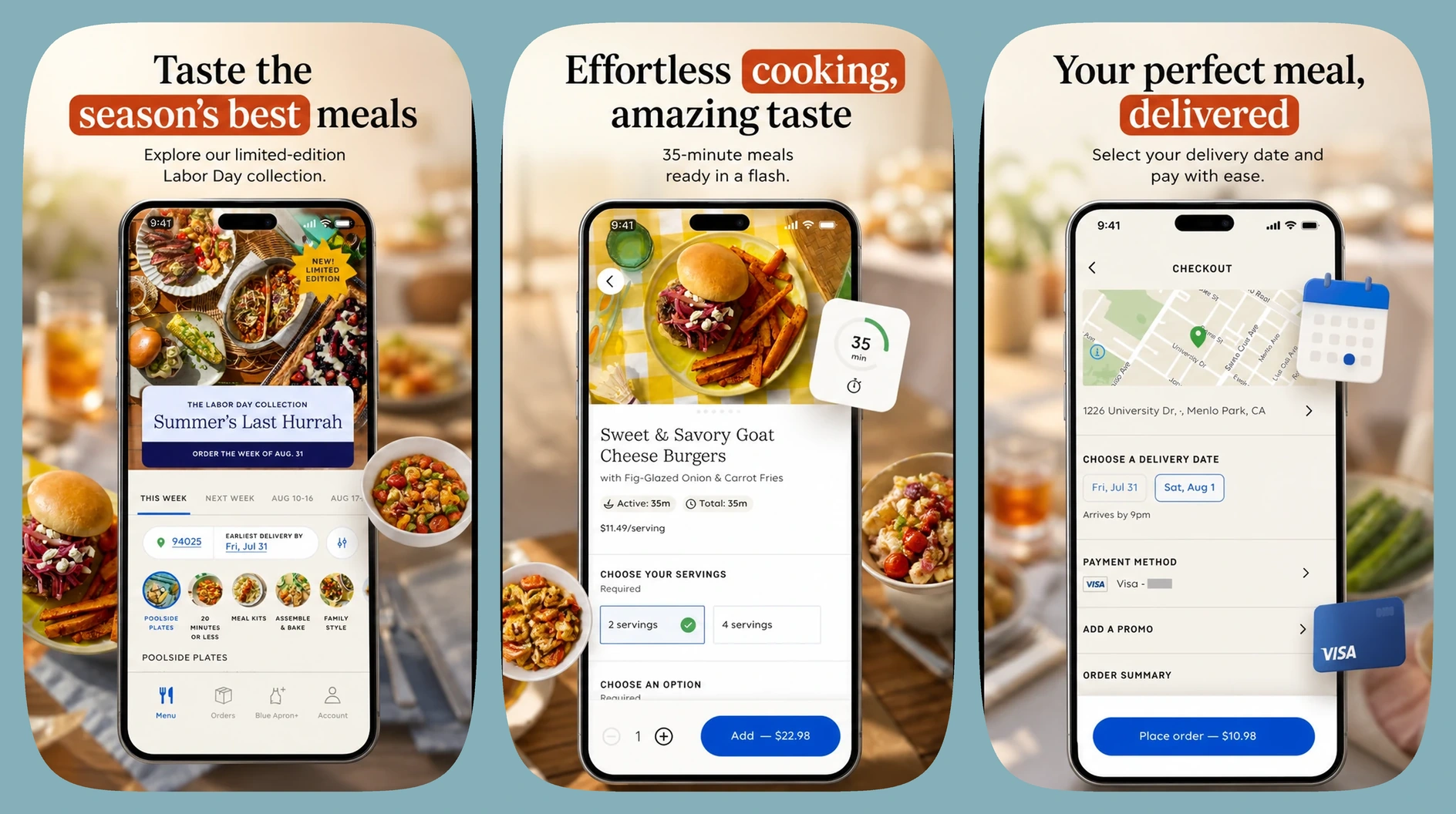
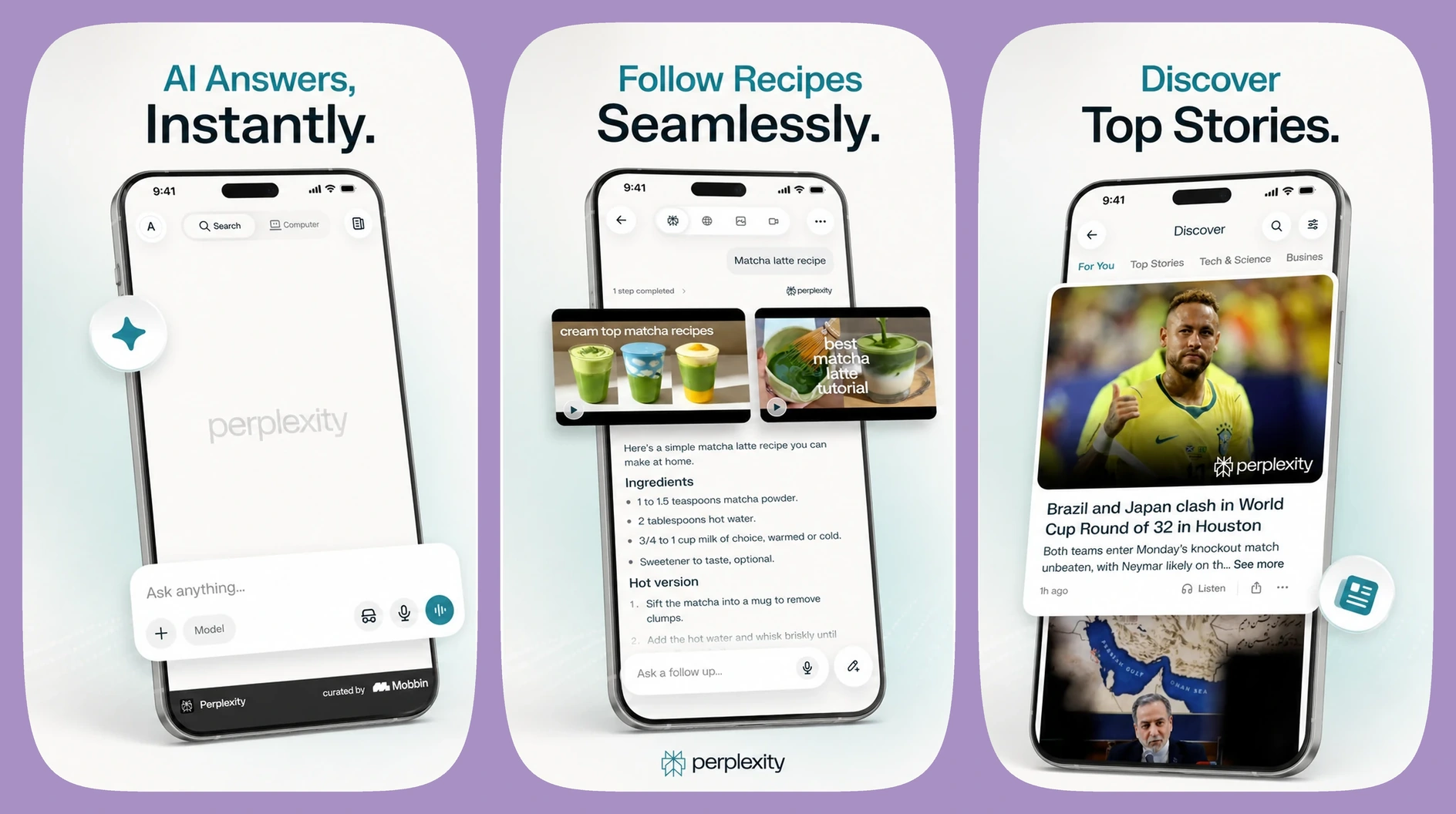
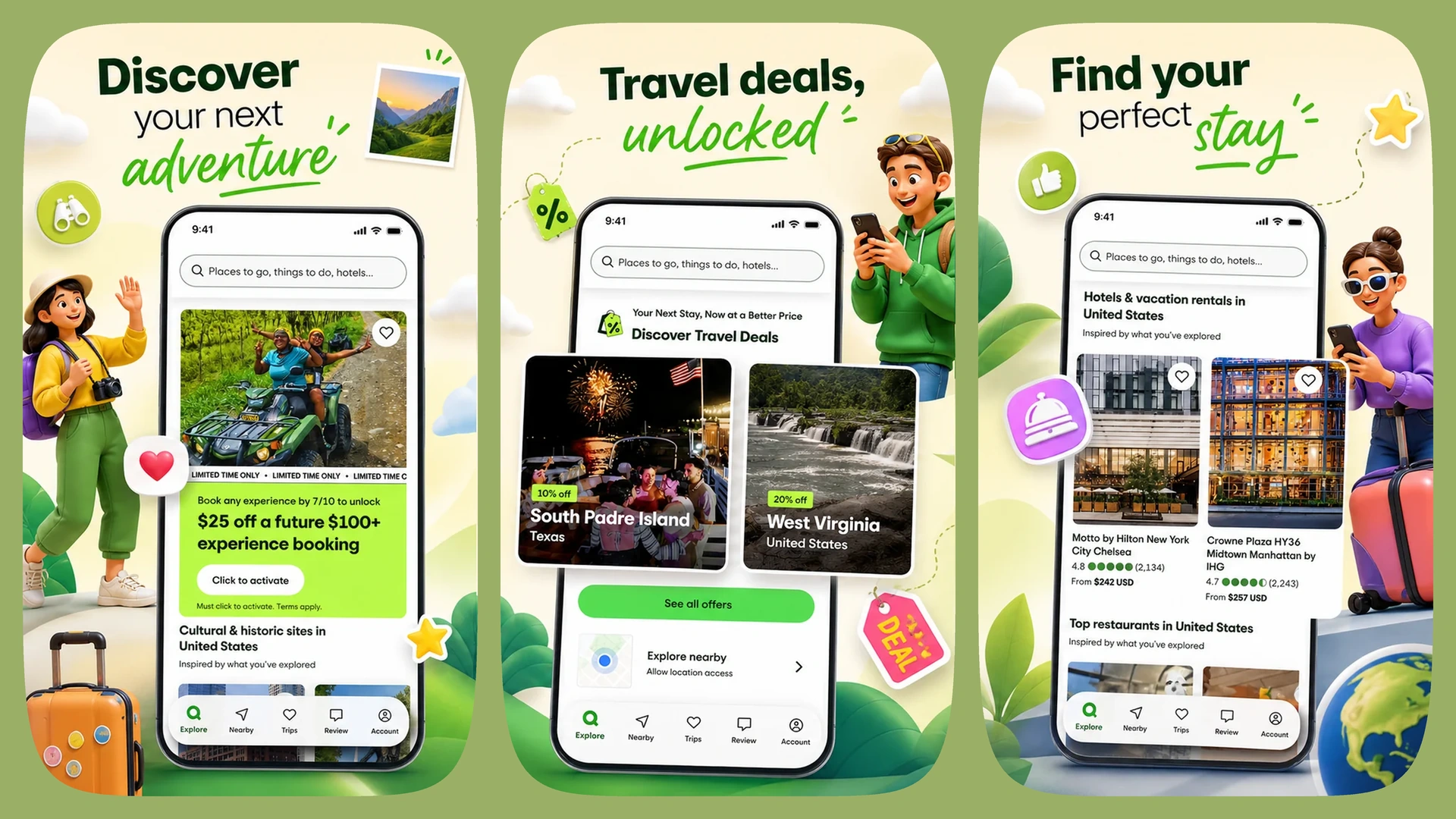
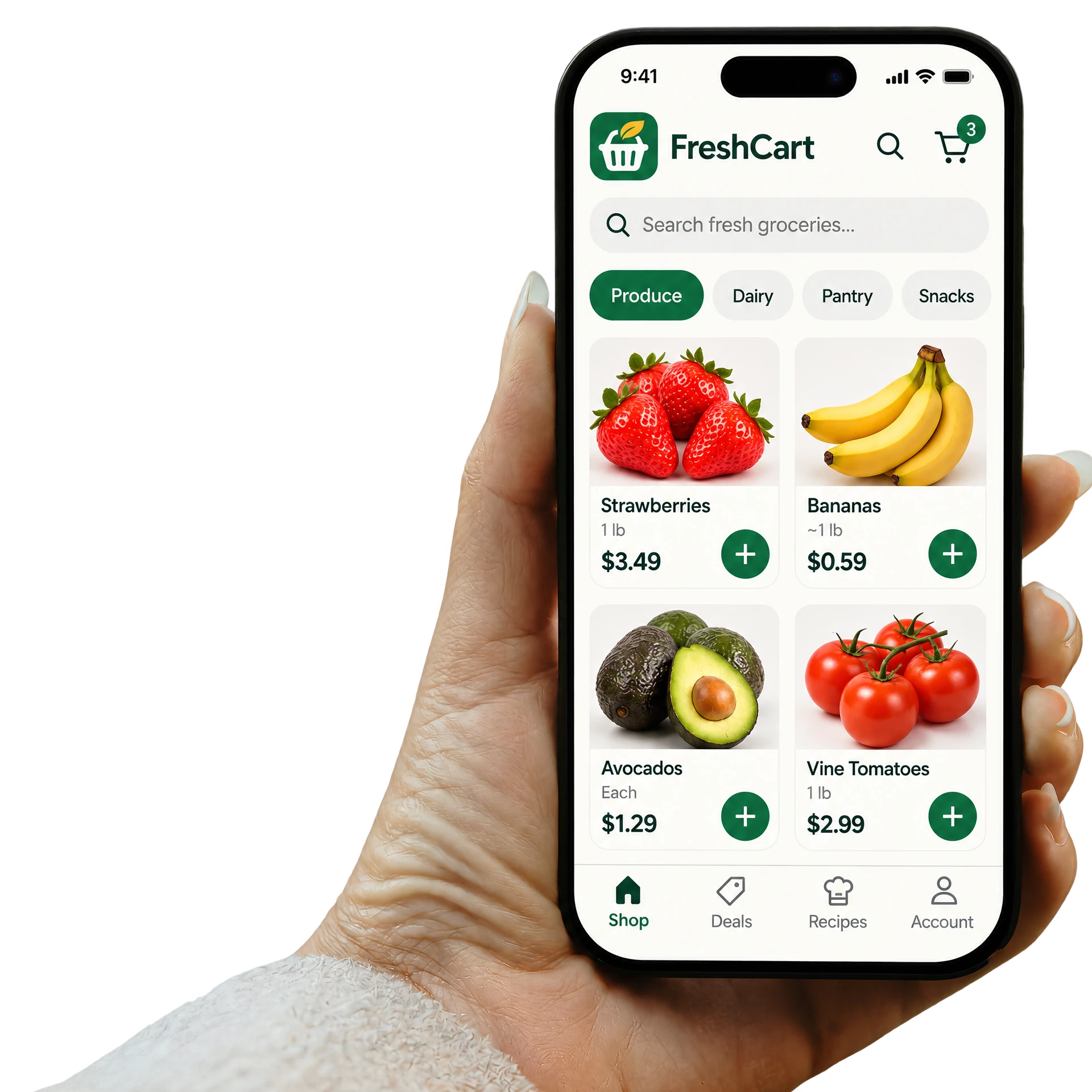
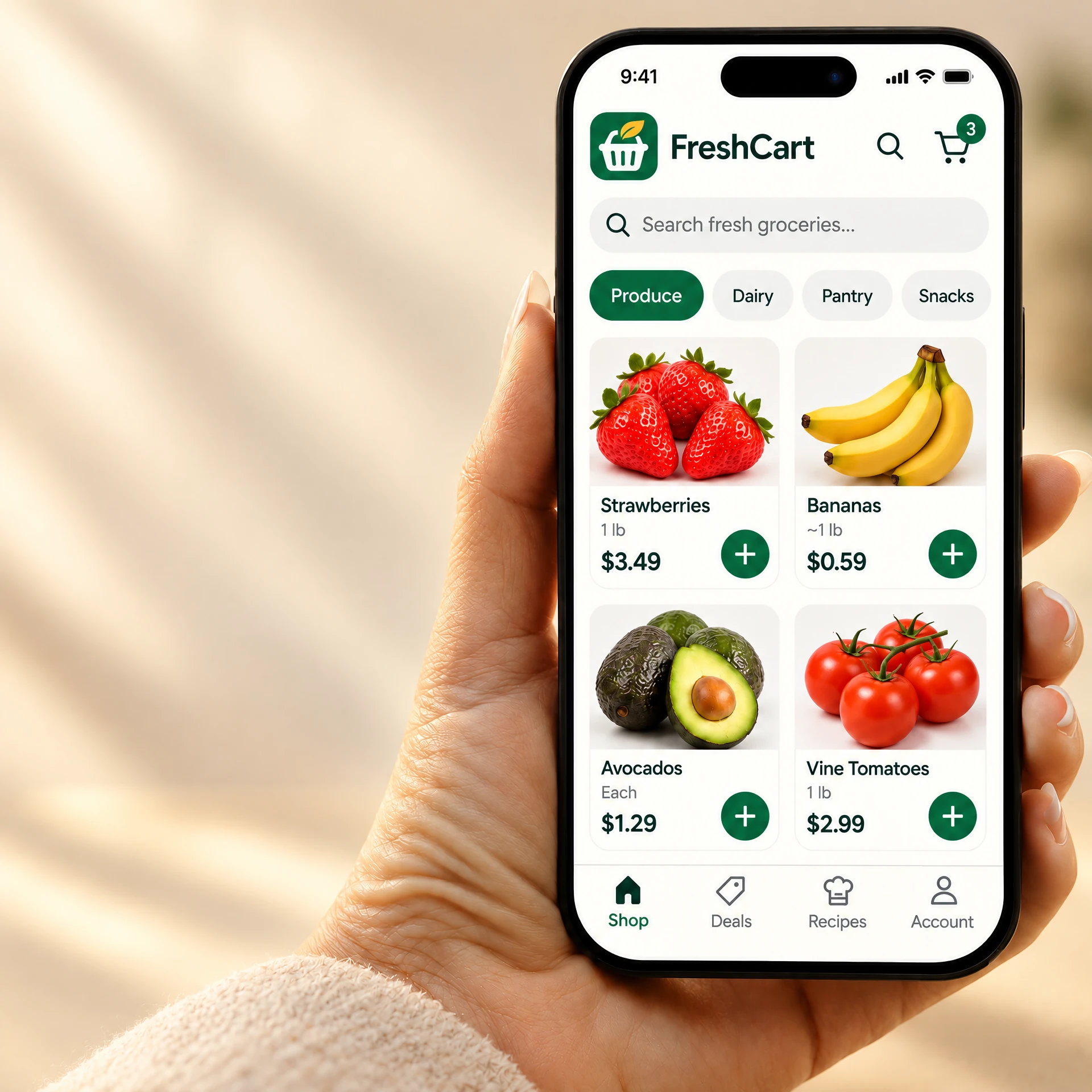
Create Ads & Creatives, App Store and Google Play screenshot sets, and app mockups around one app identity.
How does App Studio keep my assets consistent with my app?
Add your app’s audience, benefits, features, tone, and brand colors once. App Studio reuses that identity across its asset workflows.
What do I need to get started?
After signing in, add your app information and screenshots, or choose the fictional example app to explore the workflows first.
Do I need design skills or long prompts to create app assets?
No. Guided workflows use your app identity as context, so you can choose a result and refine it instead of writing long prompts.
Can I edit headlines and visuals before exporting?
Yes. In Store Screenshots, edit headlines and supporting text or replace app screens. In Mockups, adjust copy and supported design settings. Manual edits and mockup exports are free.
When I update my app, can I keep my screenshot style and create a new version?
Yes. Start a new version from a saved set, keep its style, replace selected app screens, and revise headlines. Previous completed versions remain available.
What is the difference between Plus and Pro?
Both include the same app-launch workflows. Plus includes 60 monthly credits, while Pro includes 150 credits for creating and refining more app assets.
How can I manage or cancel my subscription?
Use Manage Subscription in your account to open billing management. Web subscriptions are managed through Paddle; if the portal does not open, use your Paddle billing email or contact support.